

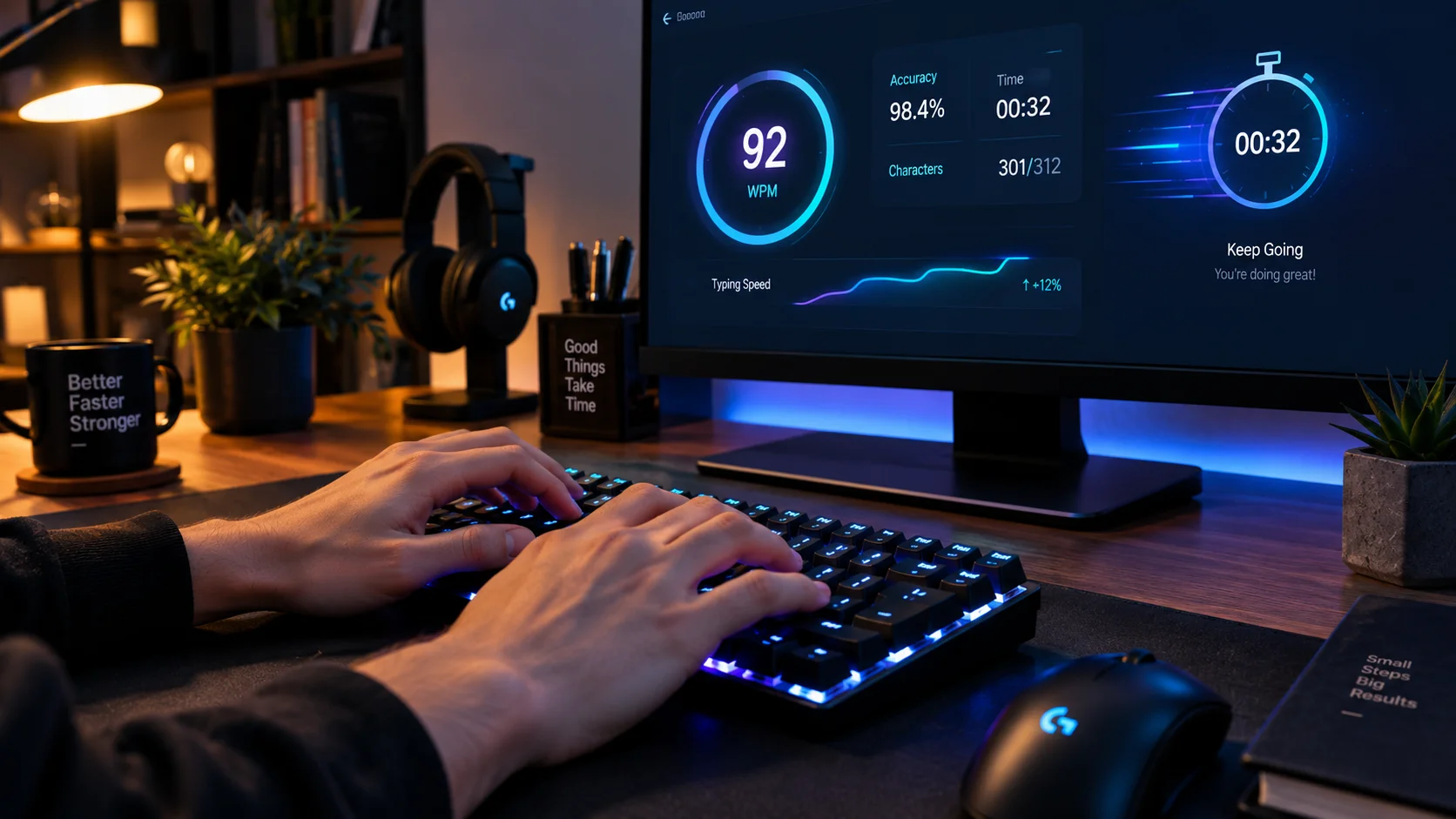
What Is a Words Per Minute (WPM) Typing Test?
In my years managing digital teams and evaluating keyboard proficiency, I have consistently seen that the most capable typist is rarely the one chasing uncontrolled raw speed. What makes modern typing speed tests so unique is their strict emphasis on clean execution; an innate accuracy requirement ensures that a deliberate, slower practitioner will often score higher than a reckless, faster alternative prone to frequent mistakes. Because unchecked errors penalize your final WPM score, structured typing practice programs intentionally cultivate precise foundational habits over frantic key-mashing. This balance transforms simple finger movement into truly efficient typing habits, anchoring genuine accuracy at the core of every evaluated WPM attempt.
This calculated reliability explains why a standardized test remains the undisputed gold standard and primary metric across demanding educational institutions, corporate employment screenings, and elite competitive typing communities. The widespread standardization of the system guarantees that hitting a 60 or higher on an open typing platform yields an honest, portable benchmark whether you are preparing for a routine office job or vying for rank in high-tier typing championships. Tracking this metric provides concrete proof of ongoing personal improvement, turning long-term developmental goals into measurable, steady progress.
How to Improve Your WPM:
A Practical Blueprint for Real Keyboard Fluency
When coaching team members looking to accelerate their output, my primary rule is to shift attention entirely away from raw speed and commit to accuracy first. If you practice daily in focused 15-20 minute sessions, starting deliberately at 30WPM with 100% precision is vastly superior to chasing an erratic 50 WPM at 85% where frustrating corrections ruin your rhythm. Rushing invariably produces avoidable errors that disrupt mental flow; pacing yourself to maintain at least 95% or even 99% consistency at a clean 40 WPM lays the true groundwork for permanent, compounding long-term progress. This steady discipline allows deep muscle memory to form naturally so your output climbs without forced strain, ensuring your net wpm gains stick.
- 1 Establish Touch Typing Basics: True velocity starts mechanically with classic touch typing, completely replacing hesitant visual searching with tactile instinct. Your anchors are the physical small bumps on the F and J keys, positioning your left hand across A S D F and your right hand over J K L semicolon on the standard home row.
- 2 Use Analytics to Isolate Weaknesses: As those baselines settle, employ modern typing analytics tools to isolate your specific problem areas and pinpoint the exact letters dragging your pace down. Target stubborn weak keys—especially tricky reaches like the Q X and Z keys or outer positions like P A and semicolon that demand weaker pinky fingers—with dedicated practice time.
- 3 Train for Your Real Workflow: Tailoring that routine to your daily workflow with practical shortcuts, standard math operators, essential coding symbols, and specialized professional terminology ensures your overall average WPM climbs sharply in demanding real-world scenarios.