

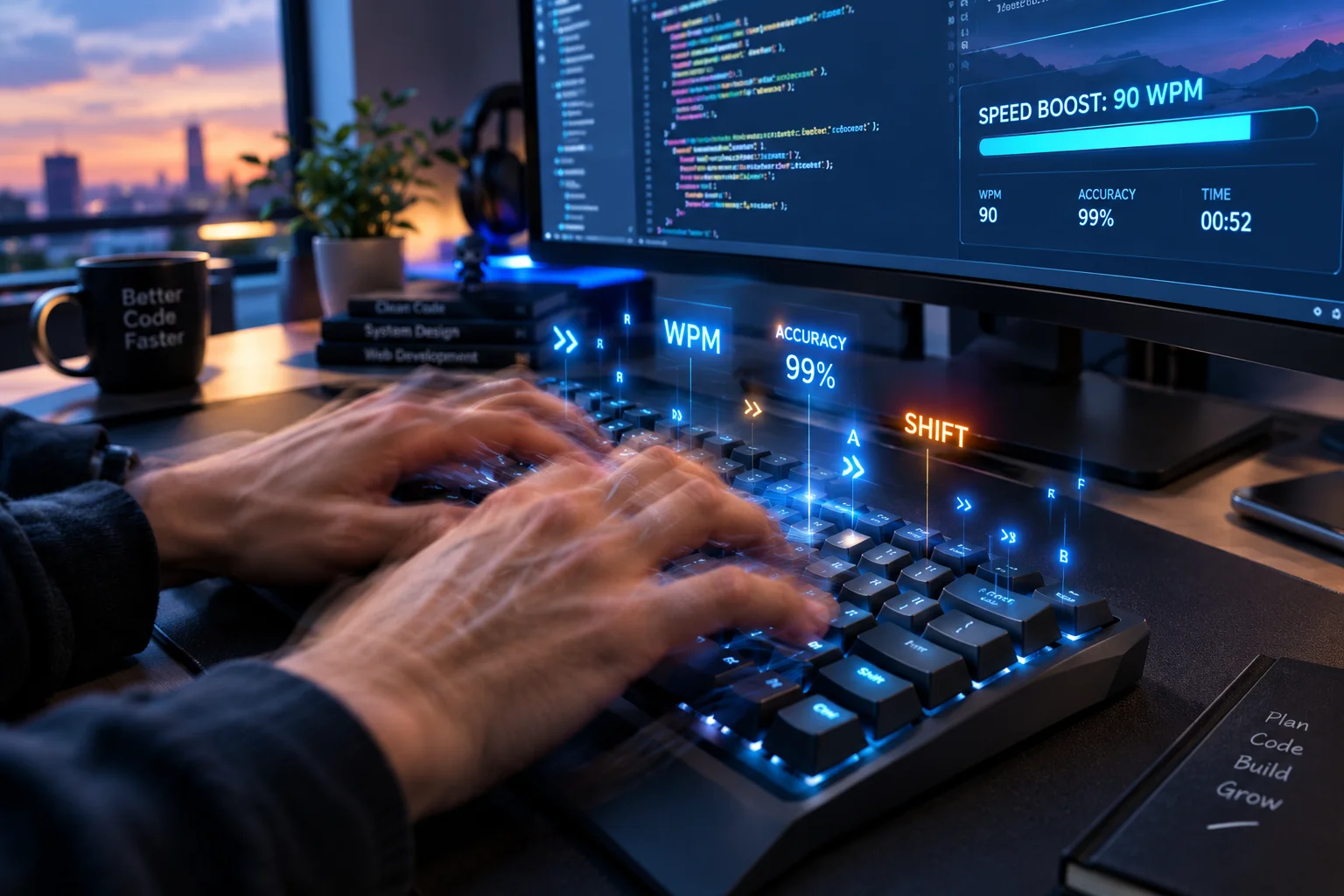
Typing Tips, how to make type faster and master the keyboard
Since the keyboard serves as my primary input interface for work and personal time, protecting my wrists and hands became critical. While seasoned colleagues mastered touch typing in school and practiced for decades, I spent years clinging to an inefficient custom method.
A few weeks back, using my summer vacation as a low-pressure two-week window and trial period, I finally committed to retraining my stubborn muscle memory. Shifting toward true 10-finger typing showed me firsthand how elite typists work faster with zero strain.
1: Accuracy: Precision Drives Sustainable Velocity
After struggling for months to force raw speed, hitting a real breakthrough meant learning to slow down and be accurate first. Chasing unrealistic momentum only breeds erratic mistakes; constantly hitting backspace drains focus and takes far longer than simply working to type accurately.
Once you prioritize remaining clean and accurate, you gain effortless control. You find yourself relaxing into each strike, allowing you to gradually improve speed and type slightly faster toward your ultimate personal goal. Building true rhythm ensures measurable improvement, naturally helping you type faster and elevate your sustainable typing speed.
2: Practice: Deliberate Repetition for Real Mastery
For new typists, initial practice means anchoring your fingers to the home keys until your tactile sense completely guides you across the keyboard.
Meanwhile, advanced typists must deepen this muscle memory by choosing to practice typing tricky combinations of letters and commonly used letter parings that cause lingering trouble. Genuine improvement requires a second layer of structured practice: do not just practice often, but practice correctly to break entrenched bad typing habits. Demanding the full utilization of both hands—ensuring every single finger does its assigned job—is the only way to steadily improve your typing speed and unlock your absolute highest typing potential.
Stretching: Active Relief for Hands and Joints
Whenever my joints feel sore from heavy typing, I lift my arms up high and wriggle your fingers to release built-up tension in my fingers. When stiff knuckles hurt, I clench my left hand into a firm fist and mirror it on the right; using the bottom of your left fist, I gently tap the knuckles on my right hand, then switch vice versa.
To treat tight wrists and fatigued knuckles, I stretch out each arm to full length. With one hand, I grab the opposite fingers to carefully pull on my fingers back slowly, then pause to bend both hands back and forth. Finally, I stretch deeply by opening and closing my palms repeatedly before I rotate my wrists to soothe any lingering sore spots.
Know Your Keyboard: Tactile Awareness and Hardware Setup
To cleanly transfer complex thoughts directly onto the screen, you must familiarize yourself with your layout and map the keyboard out in your mind. This lets you hit every single key without needing to look away, which works wonders to minimize time spent fixing interruptions.
Start by training your hands to feel for home base. The tactile bumps on the letters “F” and “J” give you an immediate physical marker to anchor your hands. Over time, as you truly learn the keyboard, you will type without looking naturally—eventually, you won’t consciously need to “feel” for them at all. This intuitive foundation is the fastest route to improve your typing speed.
Rhythm: Finding Sustainable Cadence Over Rushed Speed
Staying calm and choosing not to hurry is key: being accurate remains your clear first-priority. As you find a steady, metronomic rhythm, speed naturally follows with consistent practice and dedicated time.
You should always push one’s self to continuously perform better, keeping in mind that actual efficiency builds strictly alongside practical effectiveness. Above all, discipline your transcription: strive to type only what one sees/reads and never change the words on the fly unless you are intentionally handling a targeted editing exercise/test. A true master always simply types what one sees or reads with pure precision.
Conclusion
As a modern knowledge worker or software developer, your keyboard is your primary input device, making keyboard fluency an invaluable skill.
Switching my daily style of typing took two months of deliberate effort, but rewiring that muscle memory through daily typing exercises quickly became a natural habit. Using the right digital tools, I saw massive speed improvements once I fully embraced “touch typing”. While you do not need exotic layouts like Dvorak over standard US layouts, mastering your tactile flow changes everything.